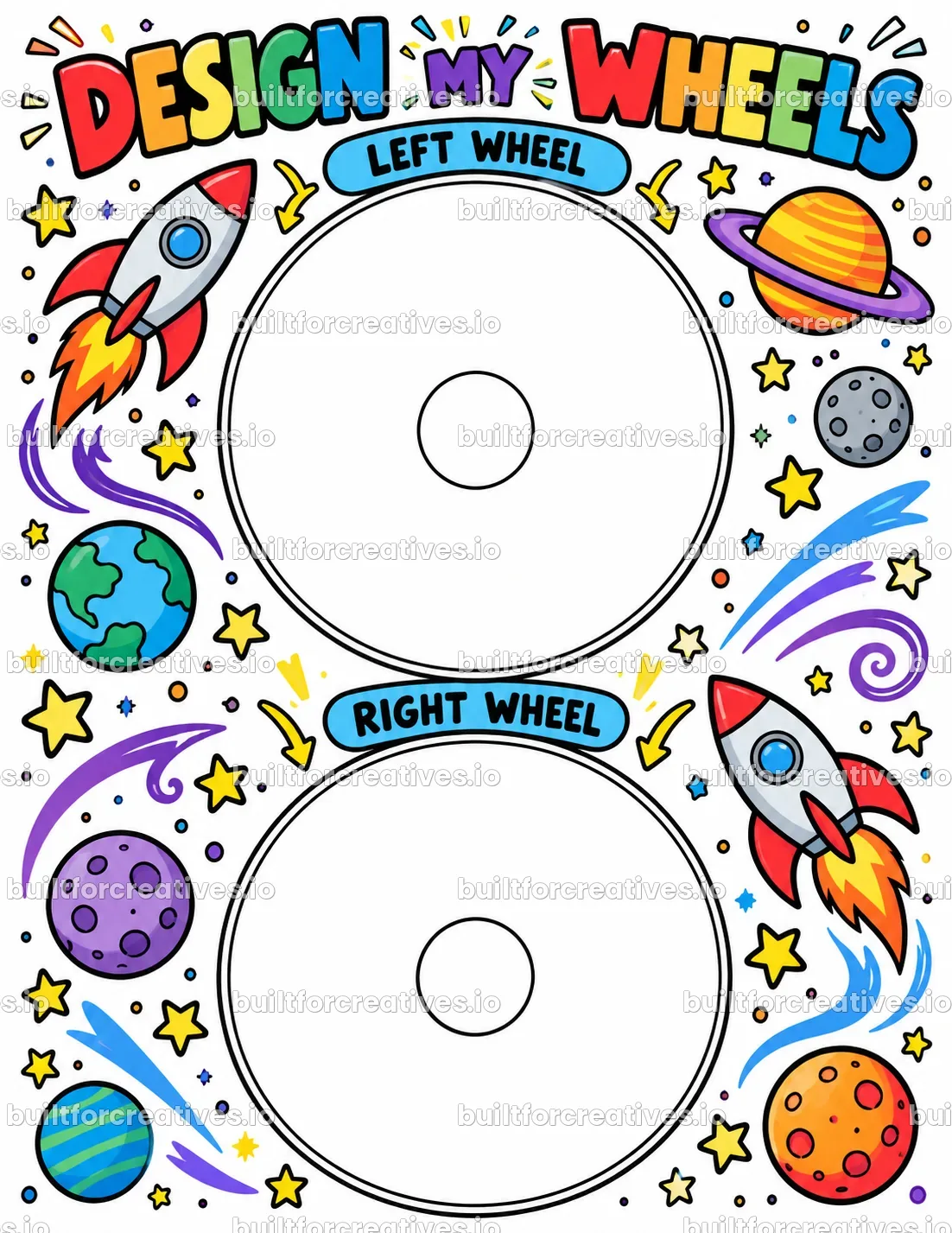
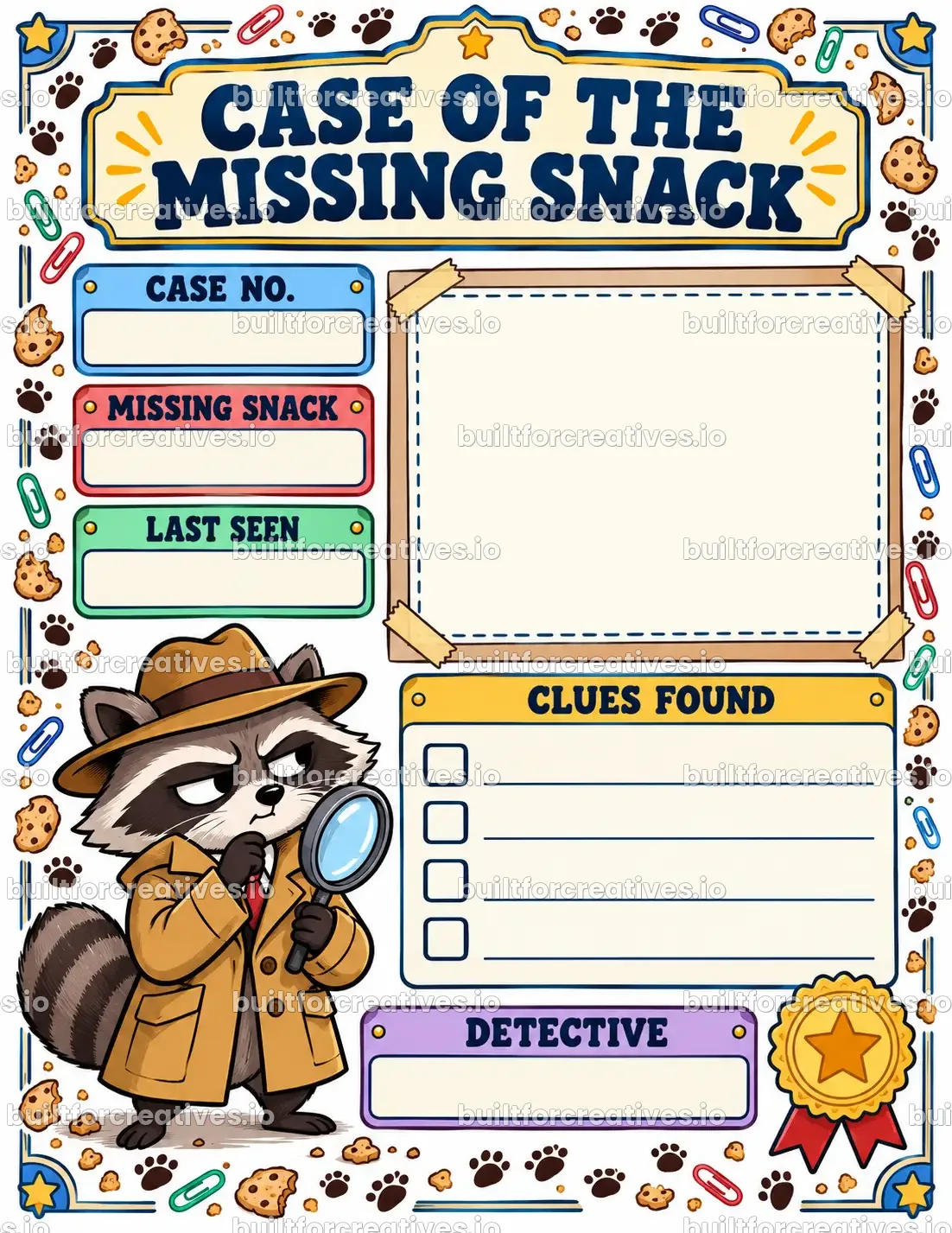
My New Room Designer Pages
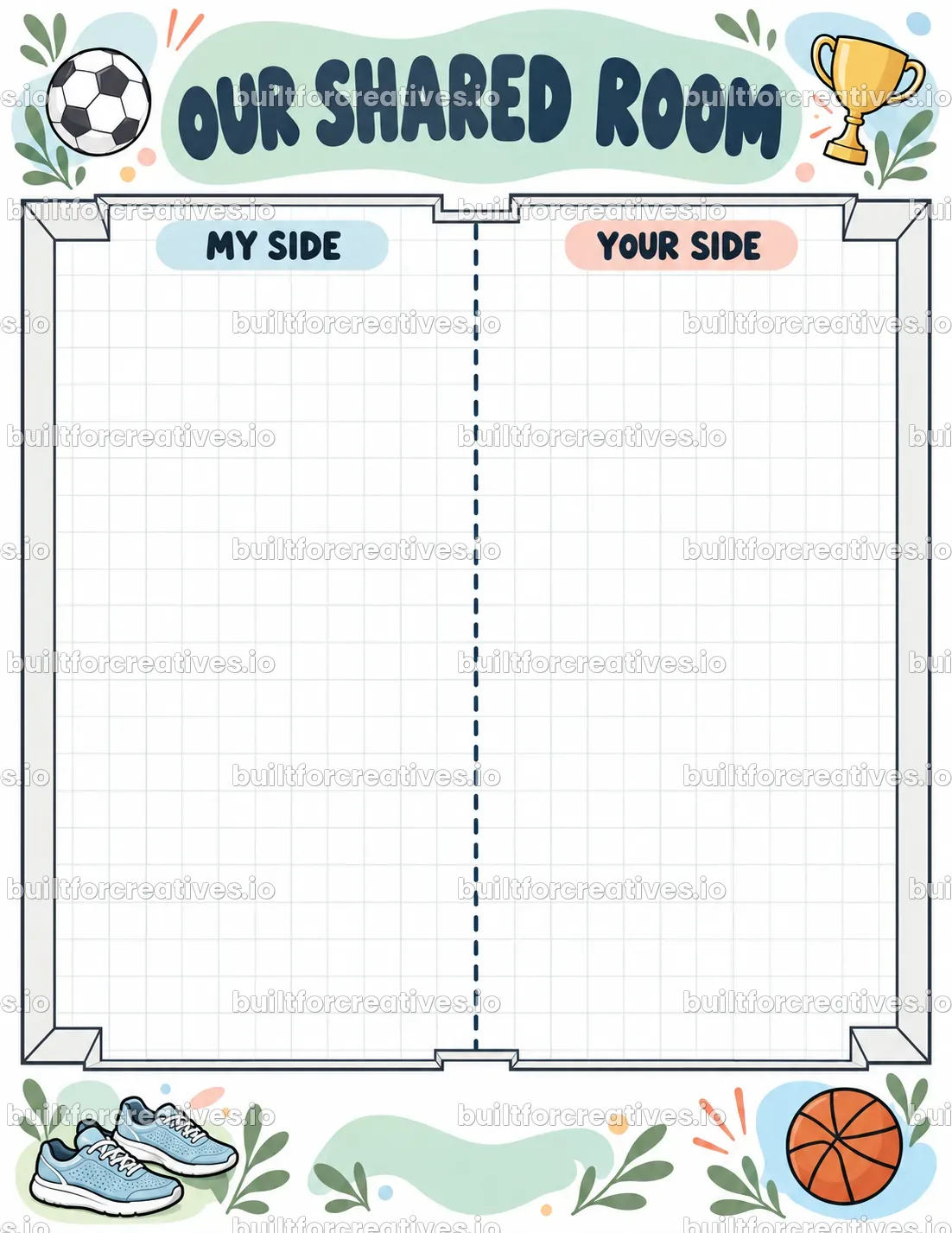
Kids plan their new bedroom like a designer: floor plan grid, furniture cut-outs, wall design, rug pattern and door sign.
or every tool with VIP All-Access for $247.00
Opens in your browser. Works with your own ChatGPT account.
What you get
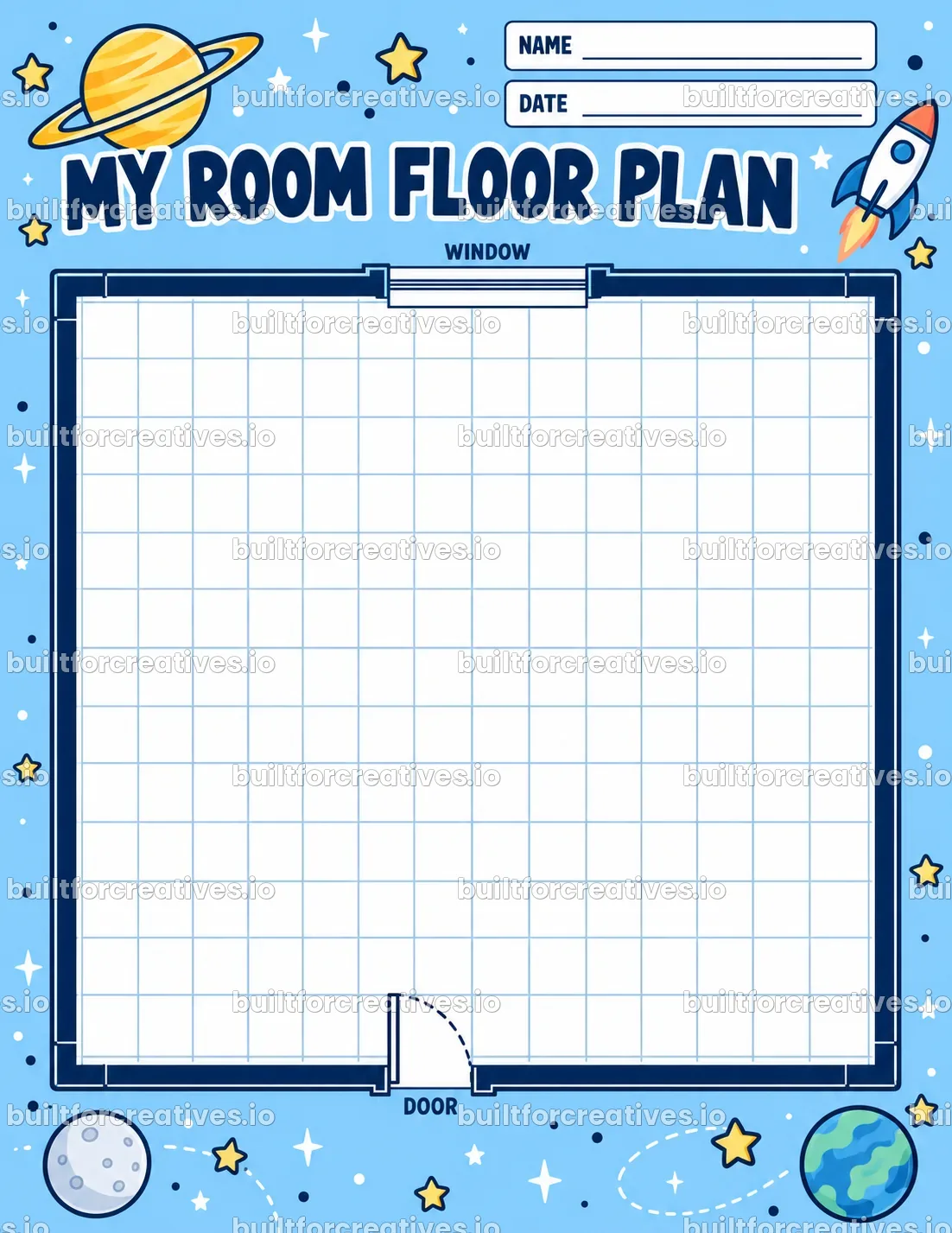
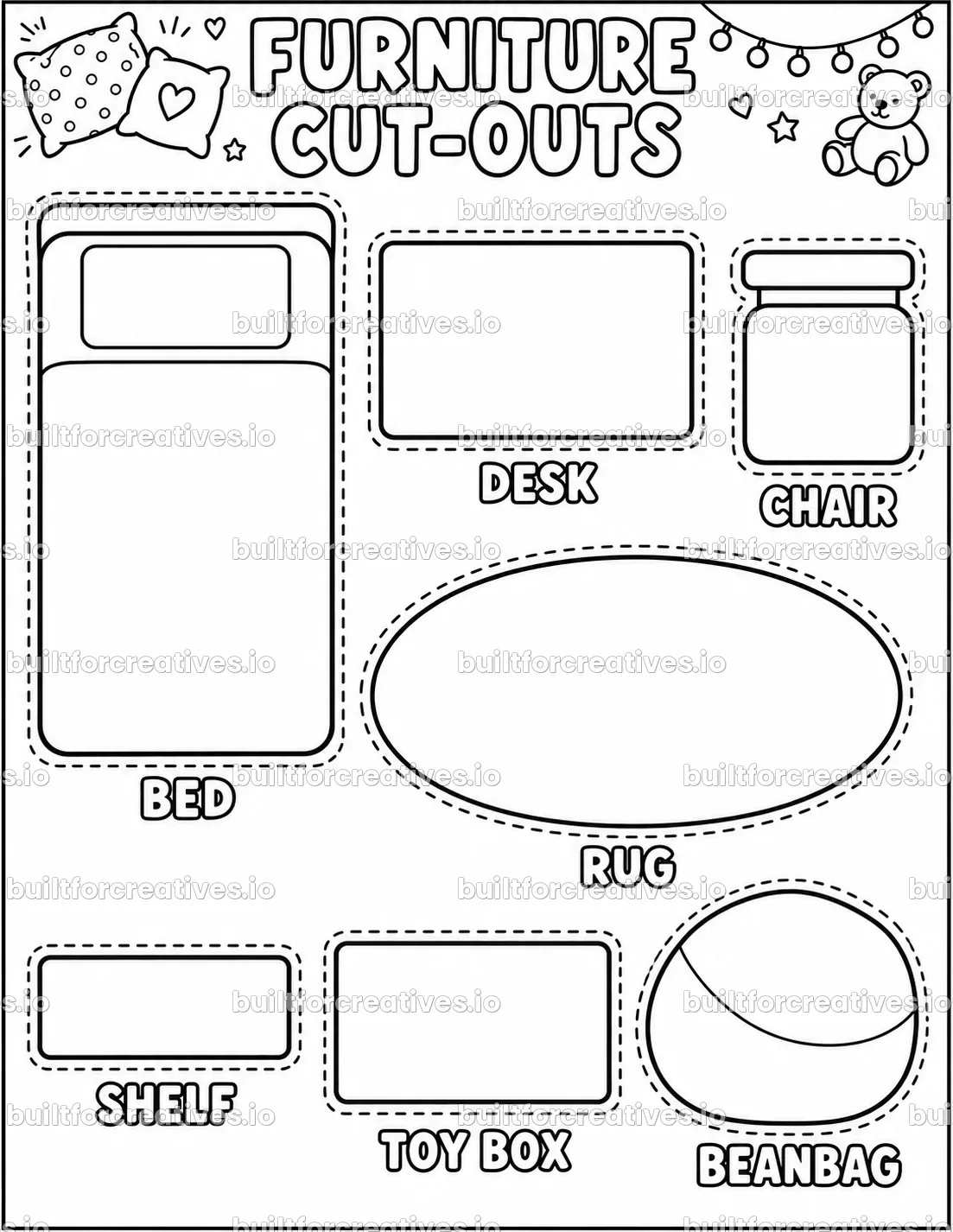
- 12 designer pages: floor plan grid, furniture cut-outs, wall view, rug, bookshelf, door sign and more
- 6 room styles: cozy, space, jungle, sporty, artsy, minimal
- Blueprint, black and white or color looks
- For kids, teens and classroom design projects
- Save your prompts as PDF or TXT
About this tool
A new room is the best part of a move, a new baby or a room makeover. These pages let kids plan it like a real designer: a floor-plan grid with door and window, furniture outlines to color and cut out, a wall design view, a rug pattern, a bookshelf to fill, a door sign and a before-and-after sketch. Pick the pages, the room style and the look, then click Create in ChatGPT and press Enter.
What you need
A ChatGPT account (the tool opens chatgpt.com with your prompt already pasted). Image creation must be available on your ChatGPT plan.
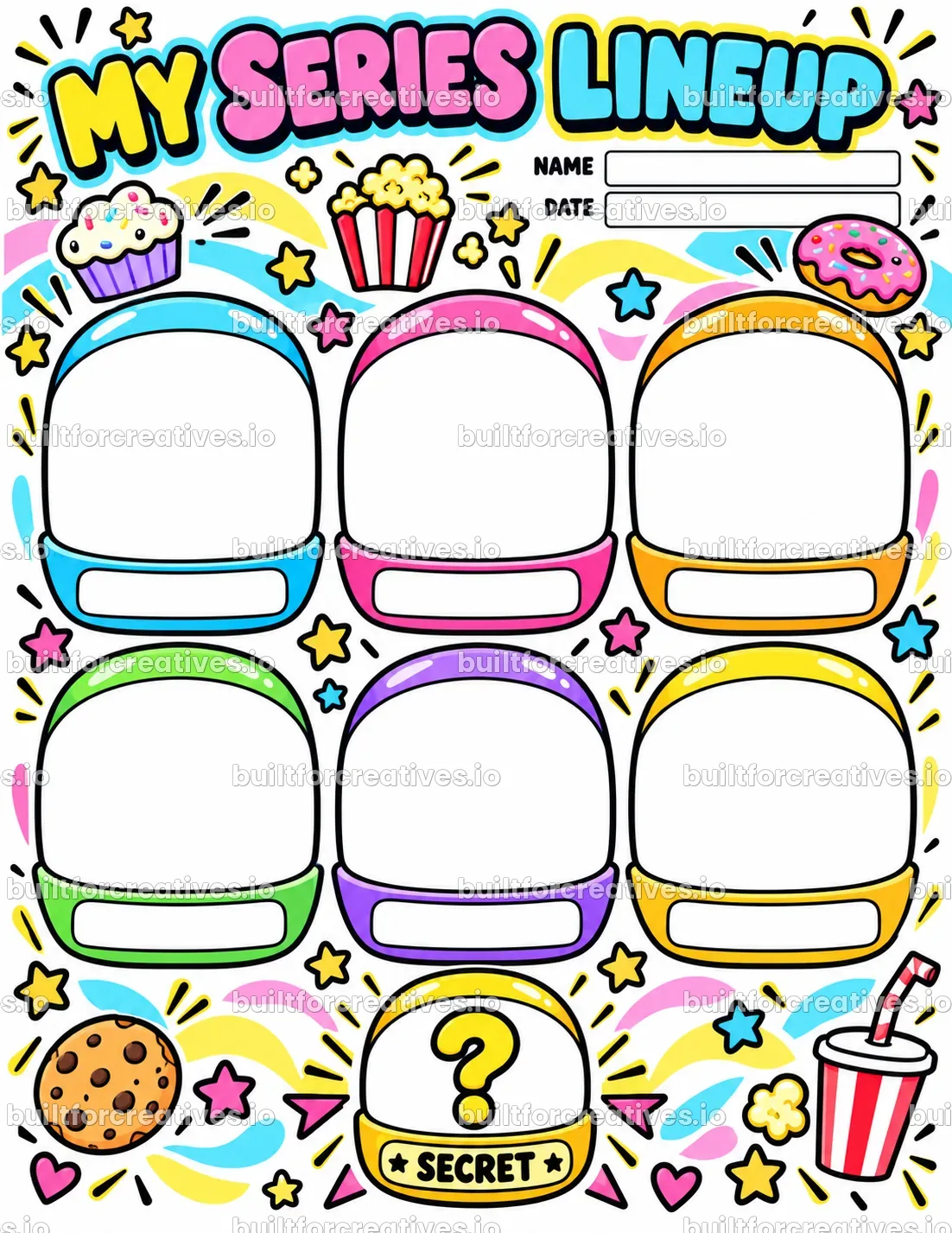
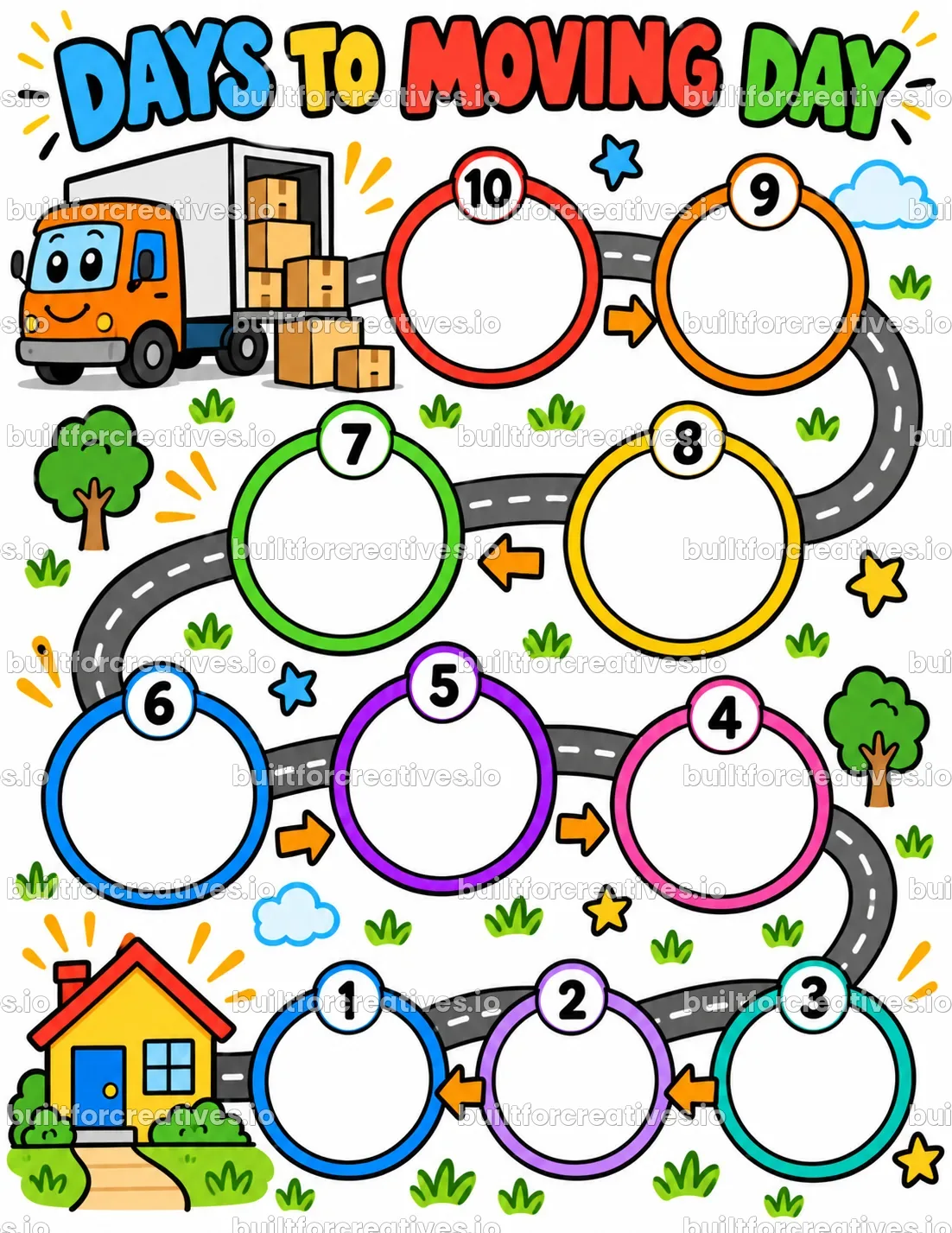
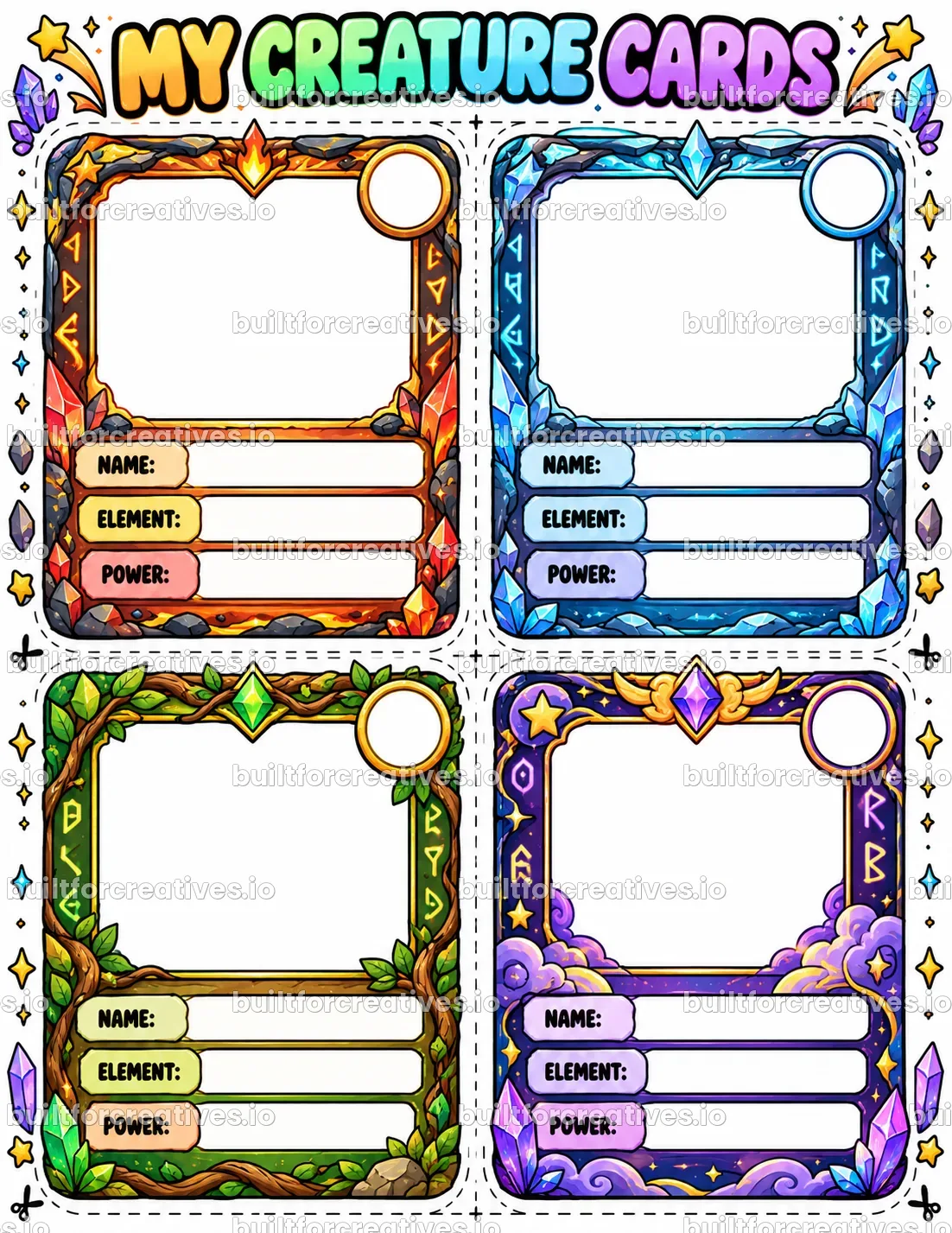
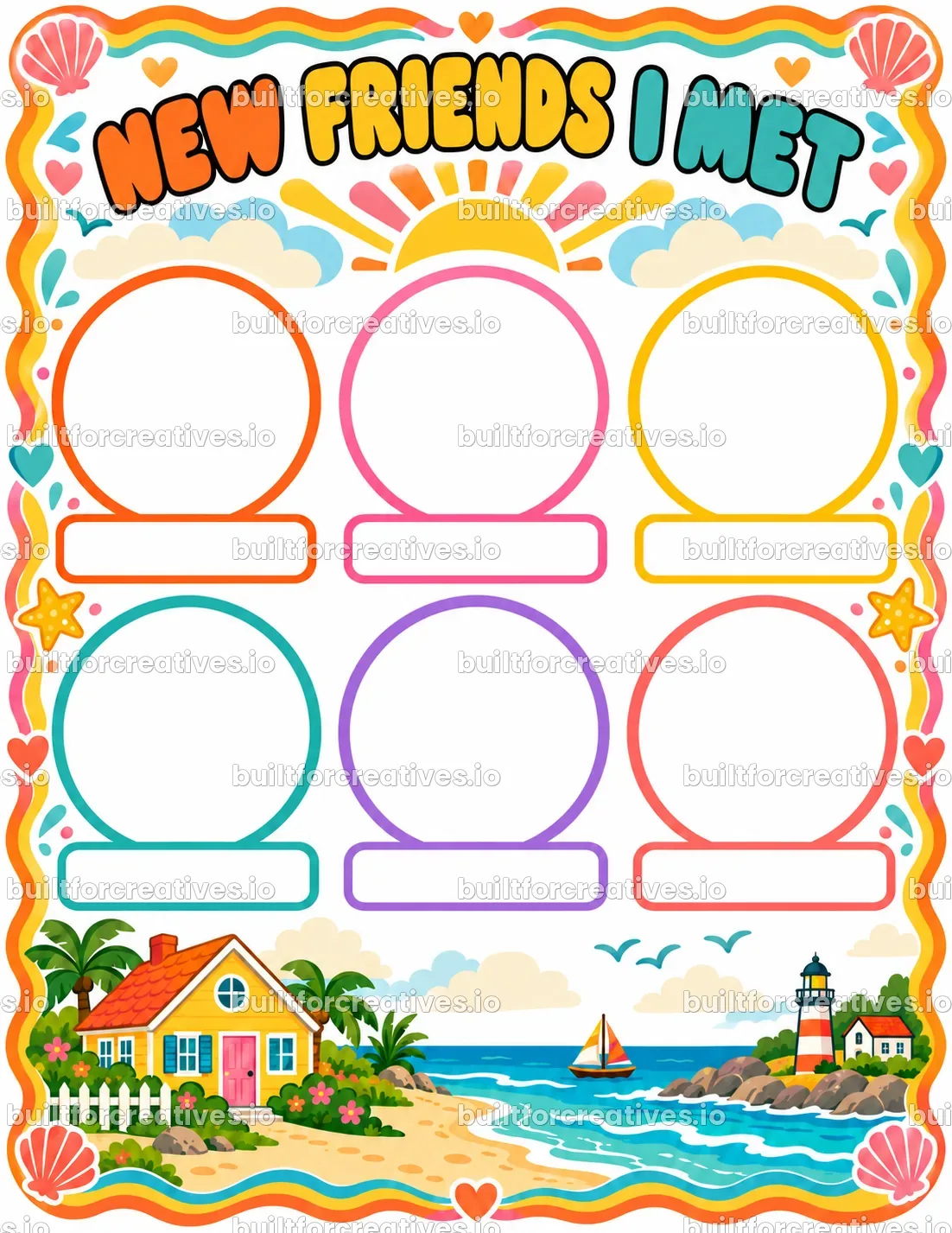
Examples made with My New Room Designer Pages

Questions and answers
Is anything filled in already?
No. Only the short printed parts, like the title and the labels. Every answer and drawing space is empty for the child.
Can I sell the pages I make?
Yes. The pages are yours to print, use and sell, for example on Etsy, in a printable shop or as a KDP activity book.
Only for moving?
No. It works for a move, a room makeover, sharing a room with a sibling, or a classroom design-thinking project.
Ready to try My New Room Designer Pages?
It opens right in the store, together with every other tool.